

Table of Contents
Your website looks outdated, and visitors leave before exploring. This hurts your online presence and sales. A simple website refresh can turn that around quickly. In this post, you’ll find easy steps to update your business website design and create user-friendly websites that keep clients coming back. Check out this guide for more insights.
Assess Your Website Needs

To kick things off, understanding what your site needs is crucial. Let’s dig into how you can identify key areas for improvement and analyze your current performance.
Identify Key Areas for Improvement
Start by exploring each part of your website. Is your homepage inviting? Do your contact details stand out? Most people think a flashy design is all it takes, but simplicity often wins. By focusing on the essentials, you can guide visitors more effectively.
Take a moment to consider what features your audience values. For businesses, this might mean ensuring your services are easy to find. Personal websites might benefit from showcasing your latest projects up front. Consider the feedback you’ve received from users—this is a gold mine for improvement ideas.
By focusing on these areas, you can create a checklist of changes that promise a significant impact. This approach helps you prioritize tasks without feeling overwhelmed. For more tips on identifying these areas, check out this helpful list.
Analyze Current Performance
How does your website stack up today? Use online tools like Google Analytics to get the scoop. Numbers don’t lie—a spike in bounce rate could mean visitors aren’t finding what they need.
Dive into data like page views and session durations. These metrics reveal where visitors spend their time and which pages they exit quickly. A common misconception is that high traffic means success, but engagement matters more.
With this information, you can make informed decisions. Maybe it’s time to revamp your About page or update your blog. Remember, the longer you wait to address these issues, the harder it becomes to regain lost ground. For a more detailed analysis, this checklist can guide you.
Implement User-Friendly Updates
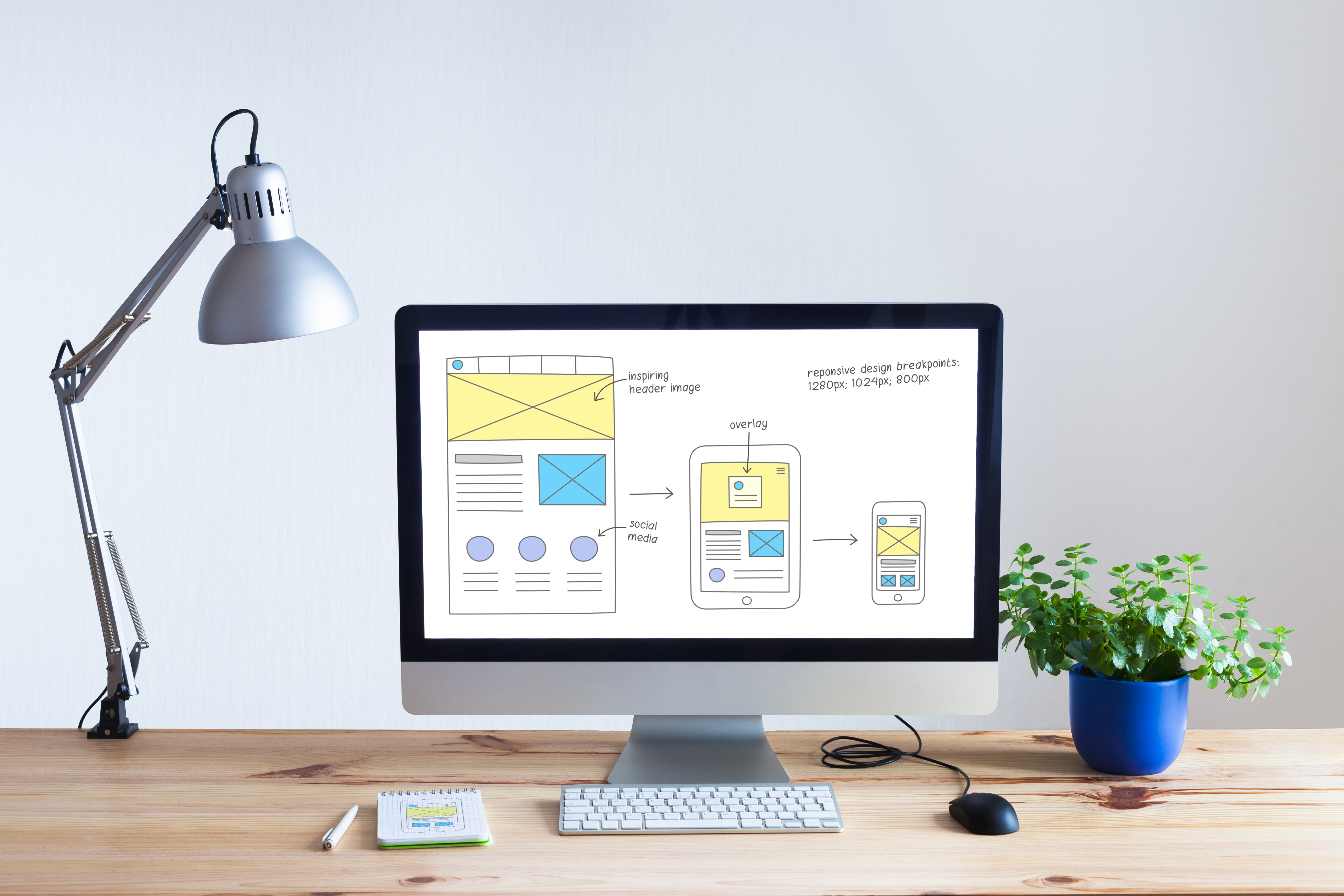
Improving your website’s usability can transform how visitors interact with your content. Here’s how to streamline navigation and optimize your content for engagement.
Streamline Navigation for Visitors
Let’s make it easier for users to find what they need. Clear menus and intuitive categories can make a big difference. You might believe complex navigation impresses users, but simplicity is key.
Consider a top navigation bar with straightforward labels. Group related content under common headings. This isn’t just about aesthetics; it’s about making the user’s journey smooth and hassle-free.
Test your changes with a small group. Watch how they move through your site. Are they finding what they need quickly? Their feedback is invaluable for fine-tuning your design. For ideas on streamlining, visit this resource.
Optimize Content for Engagement
Content is king, but only if it engages. Start by ensuring your text is easy to read. Use short paragraphs and bullet points for clarity. A common pitfall is cluttered pages that overwhelm rather than inform.
Incorporate visuals where possible. Images and videos can convey messages more effectively than text alone. Keep your audience in mind—what are their interests? Tailor content to meet their needs and encourage interaction.
Regular updates keep your site fresh and relevant. Schedule time each month to review and refresh content. This commitment not only keeps your site up-to-date but also improves your search engine rankings. For a deeper dive, consider these updates.
Enhance Visual Appeal

Visual elements are the first thing visitors notice. Refreshing your design elements and incorporating modern visuals can make a lasting impression.
Refresh Design Elements
Design is more than just color and layout; it’s about creating a welcoming digital space. You might think flashy animations are necessary, but a clean, consistent look often works better.
Start by updating your color palette. Choose colors that reflect your brand and evoke the right emotions. Next, ensure your fonts are readable across devices. Consistency in design builds trust and makes your brand memorable.
Consider the impact of whitespace. It allows elements to breathe and draws attention to key areas. A cluttered design can be off-putting, while a balanced one invites exploration. Here’s a useful guide on effective design refreshes.
Incorporate Modern Visuals
Modern visuals can set your site apart. High-quality images and graphics can enhance your brand’s message. While many believe stock photos suffice, original images can create a more authentic connection.
Dynamic visuals like GIFs or short videos can also captivate visitors. They provide context and keep users engaged. Ensure all visuals are optimized for fast loading times; slow pages drive users away.
Don’t forget about mobile users. A responsive design ensures your visuals look great on all devices. Regularly update your visuals to reflect current trends and keep your content fresh. For more inspiration, see these examples.
🌐✨By following these steps, you can transform your website into a powerful tool for your business. Remember, a well-designed website not only attracts visitors but also converts them into loyal clients. Keep evaluating and updating to maintain your edge in the digital space.
Add a Comment